Ecommerce Bookkeeping: The Honest Full-Stack Guide for 2026
A complete, honest guide to ecommerce bookkeeping. Who handles sales/payout reconciliation and COGS, who owns the expense/AP side, and how to keep both clean.

Reviewed by Dmitry Suv, Founder & Engineer · 2026-06-18
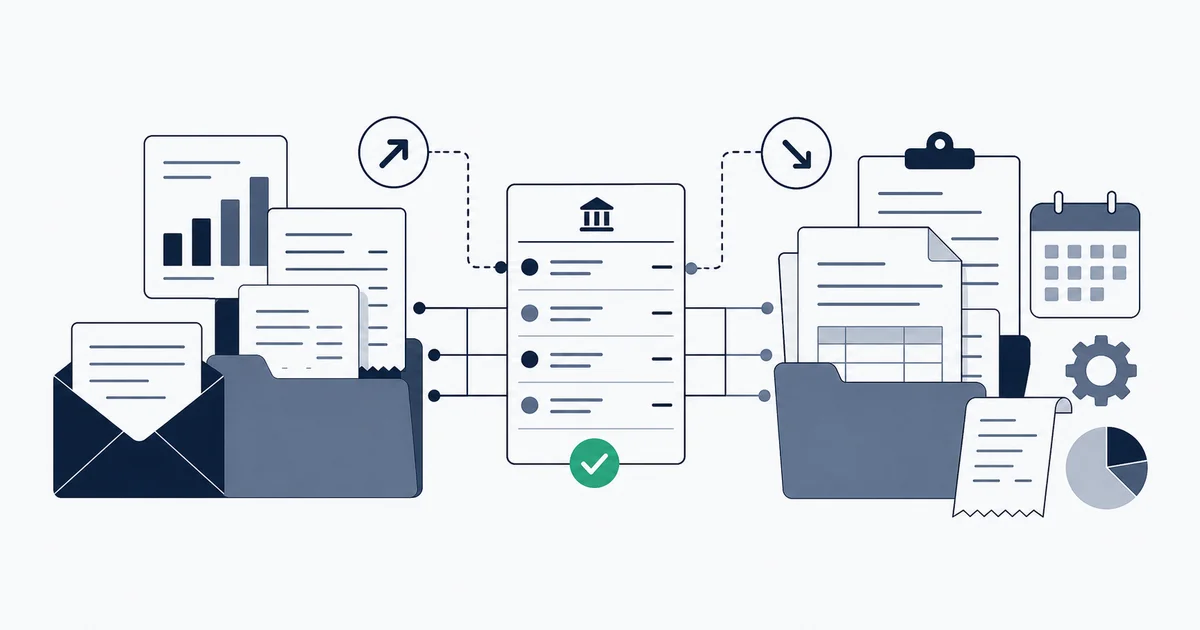
Ecommerce bookkeeping is the practice of recording, categorizing, and reconciling every transaction an online seller generates: sales across each channel, the payouts those channels deposit after fees and refunds, the cost of goods sold, and the operating expenses that flow through your bank and card accounts. It is harder than ordinary small-business bookkeeping for a specific reason: your revenue does not arrive as clean per-sale deposits. It arrives as lumped payouts that hide fees, refunds, and withheld tax, while a high volume of small expenses, supplier invoices, ad-platform receipts, subscriptions, marketplace fees, floods your inbox and your card statements. This guide maps the entire stack honestly, names who handles each part, and goes deep on the expense and accounts-payable side, which is the slice we actually do.
What ecommerce bookkeeping actually involves
Strip away the jargon and ecommerce bookkeeping has two halves that meet in the same ledger but behave nothing alike.
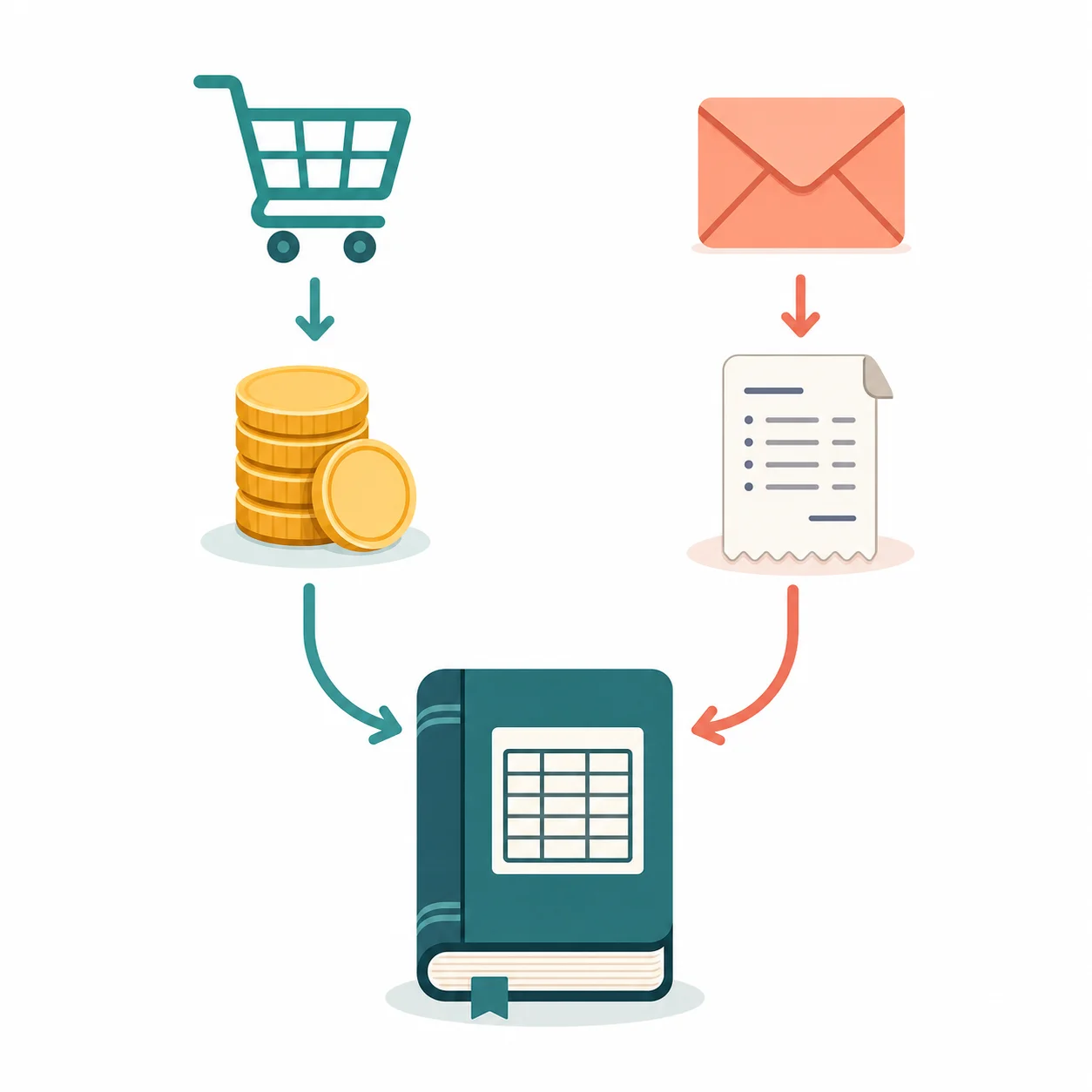
The first half is money coming in. You sell across one or more channels, Shopify, Amazon, eBay, Etsy, a marketplace, and each channel batches your orders and deposits a net payout on its own schedule. That payout is not your sales figure. The channel has already subtracted its commission, the payment processor has taken its cut, refunds have been netted out, and in many cases sales tax has been collected or withheld. On top of that you carry the cost of goods sold and, if you hold stock, inventory that has to be valued. Getting this half right means unpacking every payout into its components and posting them so your revenue, fees, and margins are accurate.
The second half is money going out. To run the store you buy from suppliers, pay for advertising on Meta, Google, and Amazon, subscribe to a stack of software tools, and absorb a stream of marketplace and processor fee invoices. These arrive as documents, mostly in your email, and they have to be captured, categorized, and reconciled against what actually left your bank and card accounts. The IRS is explicit that you must keep the supporting documents behind every expense, the sales slips, paid bills, invoices, receipts, and canceled checks, and be able to tie each one to a payment (IRS, What kind of records should I keep). For an online business those documents are scattered across dozens of senders and portals, which is exactly why this half quietly falls apart.
Both halves feed the same general ledger, QuickBooks Online or Xero in almost every case, and both have to reconcile against your bank feed for the books to be trustworthy. The mistake most operators make is assuming one tool covers both. None does well.
Why ecommerce bookkeeping is harder than normal SMB bookkeeping
A consultant or a plumber records bookkeeping that is mostly linear: an invoice goes out, a payment comes in, an expense is paid, the bank feed confirms it. Ecommerce breaks that simplicity in four specific ways.
Payouts are lumped, not per-sale. When Shopify or Amazon deposits money, the deposit is a settlement total for a batch of orders, net of everything the platform deducted. If you book that deposit as revenue, your sales are understated by the fees and your expenses are missing entirely. A2X describes its core job as transforming payout data into summaries that reconcile to the deposit, categorizing sales, fees, taxes, and refunds so the entry matches what hit the bank (A2X, What is A2X). That unpacking is non-optional, and doing it by hand for every payout is where errors creep in.
Fees are deducted before you see the money. Channel commissions and processor fees never arrive as a separate debit you can categorize. They are already gone by the time the net lands. The only way to capture them as the expenses they are is to read the settlement report behind the payout, which the bank feed alone never shows you.
Multiple channels and currencies multiply everything. A seller on Shopify plus Amazon plus a wholesale channel is reconciling three different payout structures, three fee schedules, and often more than one currency. Each adds its own reconciliation surface and its own opportunity to misclassify.
Volume is high and the items are small. A service business might process a few dozen transactions a month. An ecommerce store can generate thousands of orders and hundreds of expense documents. Manual entry does not scale to that, and the failure mode is silent: a missed ad receipt or an uncaptured supplier invoice does not announce itself, it just leaves your expenses understated and your profit overstated until tax time.
These four pressures are why "just use QuickBooks" is incomplete advice for an online seller. QuickBooks is the right ledger. It is not, on its own, an ecommerce bookkeeping system.
The honest who-does-what stack map
Here is the part most ecommerce-bookkeeping guides gloss over, usually because the guide is published by a vendor that only does one slice and would rather you think it does all of them. The truth is that a healthy ecommerce bookkeeping setup is a small stack of specialized tools, each owning a clearly bounded job. We will be equally honest about our own boundary: Inbox Ledger owns the expense and AP side and nothing on the sales side.
| Job | Who owns it | What it produces |
|---|---|---|
| Sales + payout reconciliation | A2X, Link My Books | Split journal entries that match each channel payout: gross sales, fees, refunds, tax |
| Cost of goods sold | A2X (with cost sync), your accountant | Accrual COGS journals tied to units sold |
| Inventory valuation | Inventory tool / accountant | Stock-on-hand and inventory asset balances |
| Sales-tax nexus + filing | TaxJar, Avalara, your accountant | Where you owe tax and how much |
| General ledger | QuickBooks Online, Xero | The books everything posts into |
| Expense + supplier invoice capture | Inbox Ledger | Captured, extracted invoices and receipts |
| Expense-to-bank reconciliation | Inbox Ledger | Each invoice matched to the card/bank line that paid it |
| Full-service monthly books | A full-service provider (e.g. Bench) | A finished P&L and balance sheet, done for you |
A few honest notes on that map, verified against what each tool actually says it does:
A2X and Link My Books own the money-in side. Both pull settlement-level detail from Shopify, Amazon, and other marketplaces and write it to QuickBooks or Xero as a properly split entry that reconciles to the deposit. A2X also ingests COGS and posts accrual-based sales-and-COGS journals (A2X, What is A2X). Link My Books does the same settlement-to-journal split, breaking each settlement into sales, refunds, fees, and taxes and mapping the sales tax across that breakdown (Link My Books, Shopify App Store). If your problem is "my Shopify payout does not match my sales," this is the category you need, and Inbox Ledger is not it.
Full-service providers own the done-for-you tier. If you would rather hand the whole monthly close to humans, a full-service provider such as Bench assigns a bookkeeper who categorizes transactions and delivers a P&L and balance sheet each month, integrating with platforms like Shopify and Amazon and processors like Stripe and PayPal (Bench, ecommerce bookkeeping). That is a service, not a tool you operate, and the specific provider matters less than the model: a human team owning the close end to end.
Inbox Ledger owns the money-out side. We capture and reconcile the expense and AP layer. We do not touch payouts, COGS, inventory, or sales-tax nexus, and any tool that tells you it does all of that and the expense side is overselling.
Naming the boundary is not a weakness in the guide. It is the guide. The operators who keep clean books are the ones who put the right tool on each job instead of hoping one product covers a problem space it was never built for.
The expense and AP side: where Inbox Ledger fits
Now the half we genuinely help with, in depth. On the money-out side, an ecommerce operator is drowning in documents, and almost all of them land in an inbox.
The expense stream an online store actually generates
Walk through a typical month. Your suppliers send invoices for the stock you reordered. Meta, Google, and Amazon send ad-spend receipts, often several a month per platform as billing thresholds trip. Your software stack, the Shopify subscription, the email tool, the helpdesk, the analytics, the shipping app, each charges and emails a receipt. The marketplaces themselves invoice fees. Payment processors send statements. Freight and fulfillment partners bill you. None of these is your sales side; all of them are deductible business expenses you must document, and the IRS wants each one tied to the payment that cleared it (IRS, What kind of records should I keep).
The structural problem is that these documents do not arrive anywhere tidy. They land in whoever placed the order's inbox, as links inside HTML emails, buried in forwarded threads, or sitting in a vendor portal that never emails at all. The bank or card feed shows you that money left, but not what it was for, and certainly not the supporting invoice behind it.
Capture, extraction, and dedup
This is the front of the AP loop and where most ecommerce expense tracking breaks. Inbox Ledger connects directly to Gmail, Outlook, and IMAP inboxes, or a dedicated forwarding address, and captures every invoice and receipt the moment it arrives, including the messy cases: a receipt where the real document is behind a link, an attachment three replies deep in a thread, or a high-volume portal source. From each document it extracts the vendor, date, total, tax, and line items using an AI model, so the expense reaches your records already structured rather than as a PDF you still have to read.
Two failure modes matter here, and an honest tool addresses both. The first is missed documents: an ad receipt that never gets captured leaves your advertising expense understated, which inflates your reported profit and your tax bill. Capturing directly from the inbox, not from a single forwarded address someone has to remember to use, closes that gap. The second is duplicates: the same invoice forwarded twice, or a re-sent receipt with a slightly different reference, can be entered twice and double your expense. Catching the near-duplicate, not just the exact one, keeps the count honest.
Reconciling expenses against the bank and card feed
Capturing a document is only half the job. The expense is not real to your books until it is tied to the payment that cleared it. This is reconciliation, and on the expense side it answers a simple question: for this charge on my card statement, where is the invoice that justifies it, and do they agree?
Inbox Ledger matches each captured invoice against your bank and card transactions on vendor identity, amount, and a date window, the same kind of three-way logic invoice matching software uses, so a Meta Ads receipt lines up with the Meta charge on your card even when the descriptor on the statement is mangled. Anything that does not match cleanly, a charge with no captured invoice, an invoice with no matching payment, an amount that disagrees, surfaces as an exception for you to resolve rather than disappearing. That is the same reconciliation logic any serious engine uses, applied to the expense side of your ecommerce books. For the full theory of how matching and reconciliation differ and why both matter, see what invoice reconciliation is.
The output flows where your books live. Captured, reconciled expenses export to QuickBooks Online or Xero (and to Sheets, Drive, or OneDrive), so the ledger that already holds your payout-side entries from A2X or Link My Books also holds clean, documented, bank-matched expenses.
The ad-platform receipts that flood an ecommerce inbox are some of the most-missed expenses in online businesses, because they arrive frequently, look like throwaway notifications, and rarely get forwarded anywhere. If you want the manual path for each, see how to pull invoices from Meta Ads, Shopify, and Amazon Business. Capturing them automatically is the point of the expense layer.
Start for free and extract your first 10 invoices without a credit card.
A practical monthly close checklist for an ecommerce store
A clean ecommerce close is a sequence, not a scramble. Run it monthly, and reconcile high-volume payouts as they land rather than batching them to month-end.
- Reconcile every payout. For each channel, pull the settlement report and confirm your payout tool has posted a split entry that ties gross sales, fees, refunds, and tax to the net deposit. The deposit in your bank should match the entry exactly. This is the A2X or Link My Books job.
- Confirm COGS and inventory are recorded. Make sure the cost of the units you sold is reflected and your inventory asset balance moved accordingly. This is your payout tool's cost sync or your accountant's adjustment.
- Capture every expense document. Sweep the inbox for the month's supplier invoices, ad receipts, subscription charges, and fee invoices. Anything still uncaptured is an understated expense. This is the inbox-capture step.
- Reconcile expenses to the bank and card feed. Match each captured invoice to the charge that paid it. Investigate any card charge with no invoice and any invoice with no payment. Resolve duplicates.
- Categorize cleanly. Code each expense to the right account so your P&L is meaningful. For the categories most ecommerce operators get wrong, see how to categorize business expenses.
- Confirm sales tax is tracked. Check that your nexus and collected-tax position is current. This is a tax tool or your accountant, not a bookkeeping app.
- Review the P&L and balance sheet. With both halves reconciled, the statements should be trustworthy. A margin that looks too good usually means an expense was missed in step 3.
The discipline that keeps this small is frequency. The IRS retention clock means you have to keep these records for years and be able to produce the document behind any line (IRS, What kind of records should I keep), so capturing as you go beats reconstructing at year-end every time.
Common ecommerce bookkeeping mistakes
The same handful of errors sink online sellers' books, and all of them trace back to the two-sided structure above.
Booking the payout as revenue. The single most common mistake. The net deposit is not your sales figure. Recording it as revenue understates both sales and expenses and makes your margins meaningless. Unpack every payout.
Forgetting the fees that were netted out. Channel and processor fees never hit your bank as a separate line, so they are invisible unless you read the settlement. Sellers who skip this overstate profit by the entire fee load.
Letting ad receipts and subscriptions go uncaptured. Because these arrive constantly and look disposable, they are the most-missed expense category. Every uncaptured ad receipt inflates your taxable profit. Capturing from the inbox, not relying on memory, fixes this.
Double-counting forwarded invoices. The flip side: the same invoice entered twice doubles the expense. Without near-duplicate detection, high-volume capture quietly inserts these.
Expecting one tool to do everything. The operator who buys a payout tool and assumes it also handles supplier invoices, or buys an expense tool and assumes it reconciles Shopify payouts, ends up with a gap they discover at tax time. Map the stack, put the right tool on each job.
Reconciling once a year. Batching the whole year to tax season means reconstructing lumped payouts and hunting for receipts you can no longer find. Monthly is the floor.
If you are earlier in your journey and want the foundational mechanics before the ecommerce-specific layer, bookkeeping for startups covers the groundwork that applies to any business, and accounts payable best practices goes deeper on the expense-side controls.
The honest bottom line
Ecommerce bookkeeping is two jobs wearing one name. The money-in side, payouts, fees, refunds, COGS, inventory, and sales-tax nexus, is real, hard, and owned by tools like A2X and Link My Books, with a bookkeeper or a full-service provider such as Bench when you would rather not operate it yourself. The money-out side, capturing the flood of supplier invoices, ad receipts, subscriptions, and marketplace fees and reconciling them against your bank and card feeds, is the part we built Inbox Ledger to own. Both halves reconcile into the same QuickBooks or Xero ledger, and the operators with trustworthy books are the ones who stopped looking for a single product to do all of it and instead put the right specialist on each side. Get the stack right, close monthly, and the numbers you take into tax season are ones you can actually stand behind.